Text to Poster AI
Describe the poster — subject, the exact lines you want printed, style and shape — and the generator composes the whole page in one run. 7 models, 10 shapes, up to 4K.
Posters Written From a Single Sentence
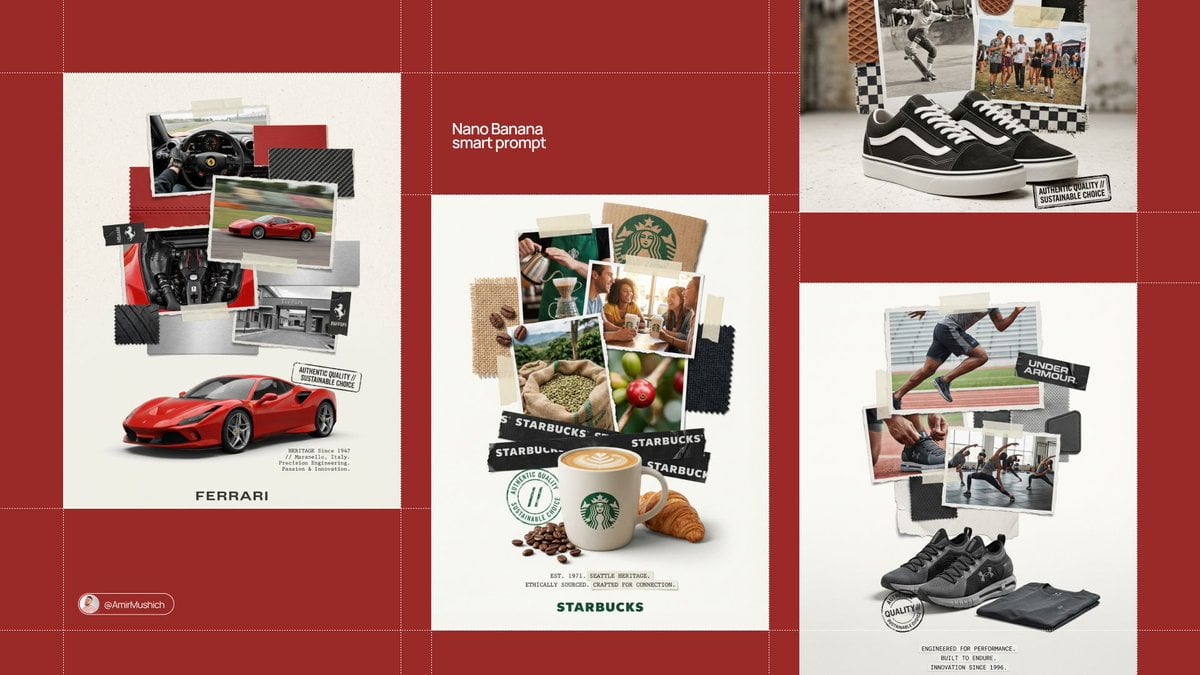
Every one started as a sentence typed into the box above. Same workflow, four briefs.
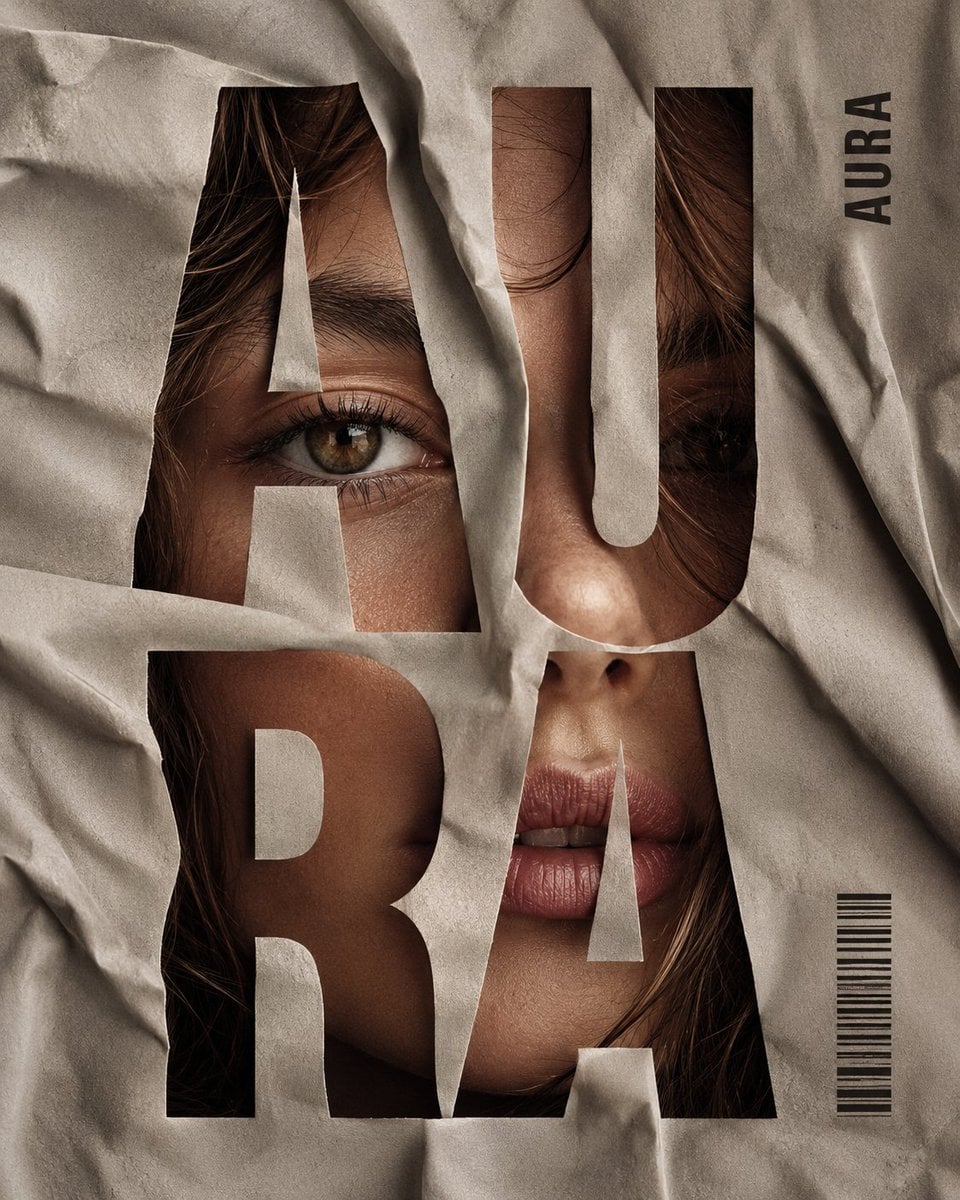
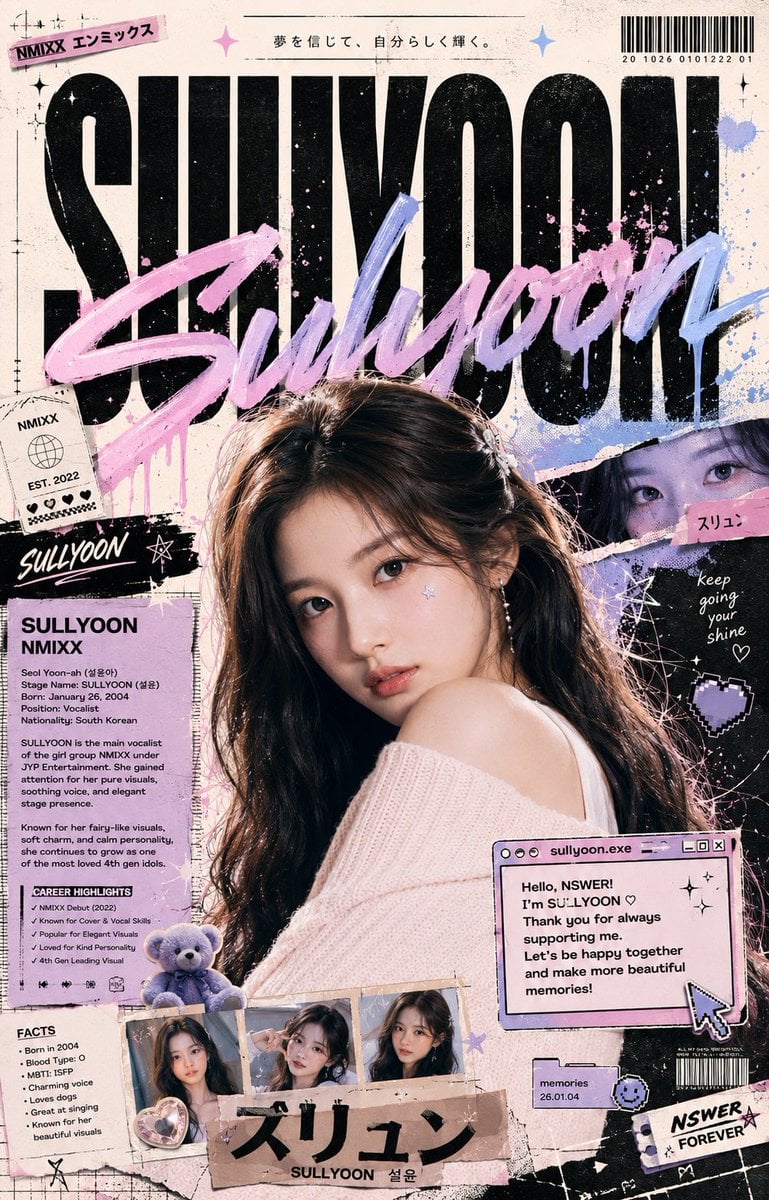
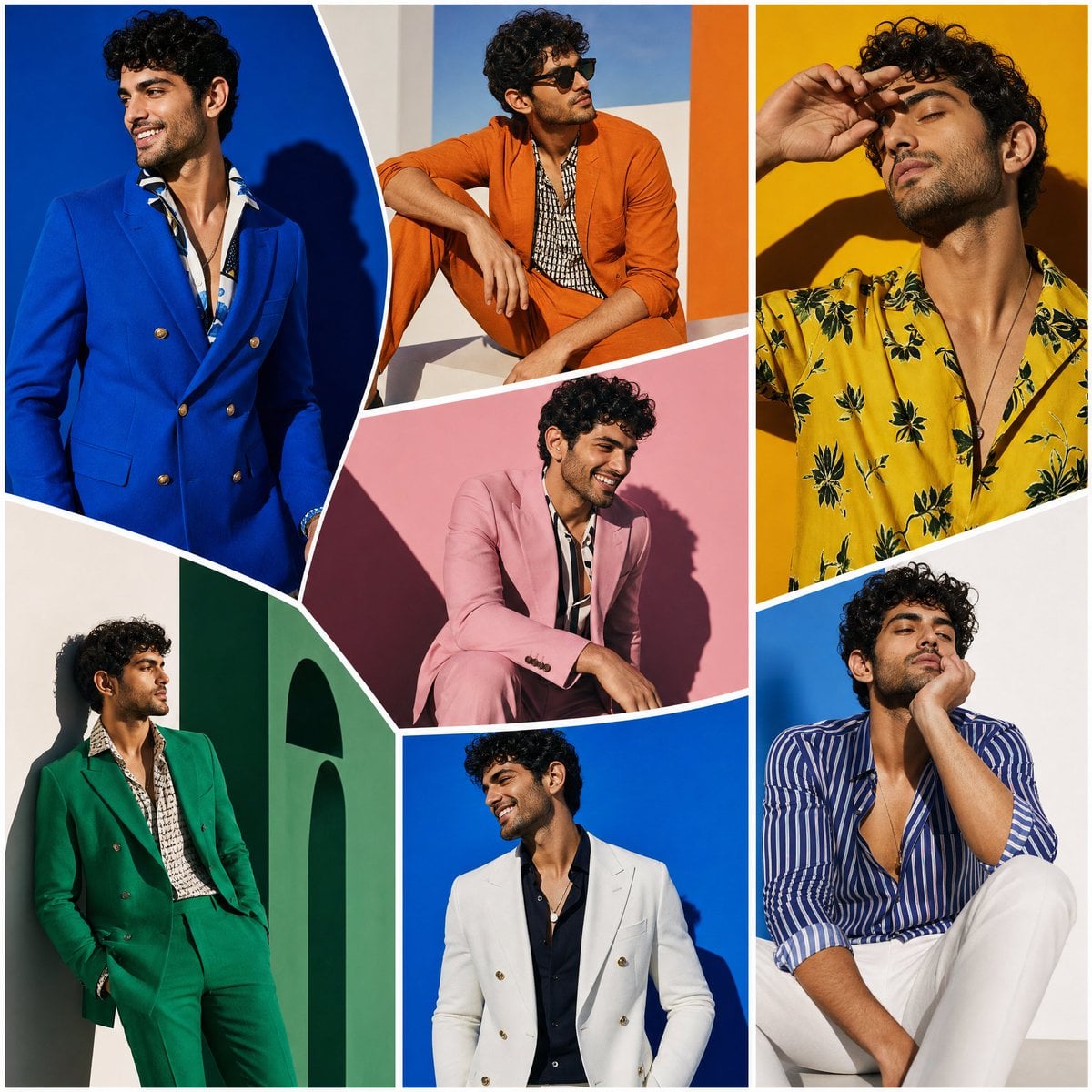
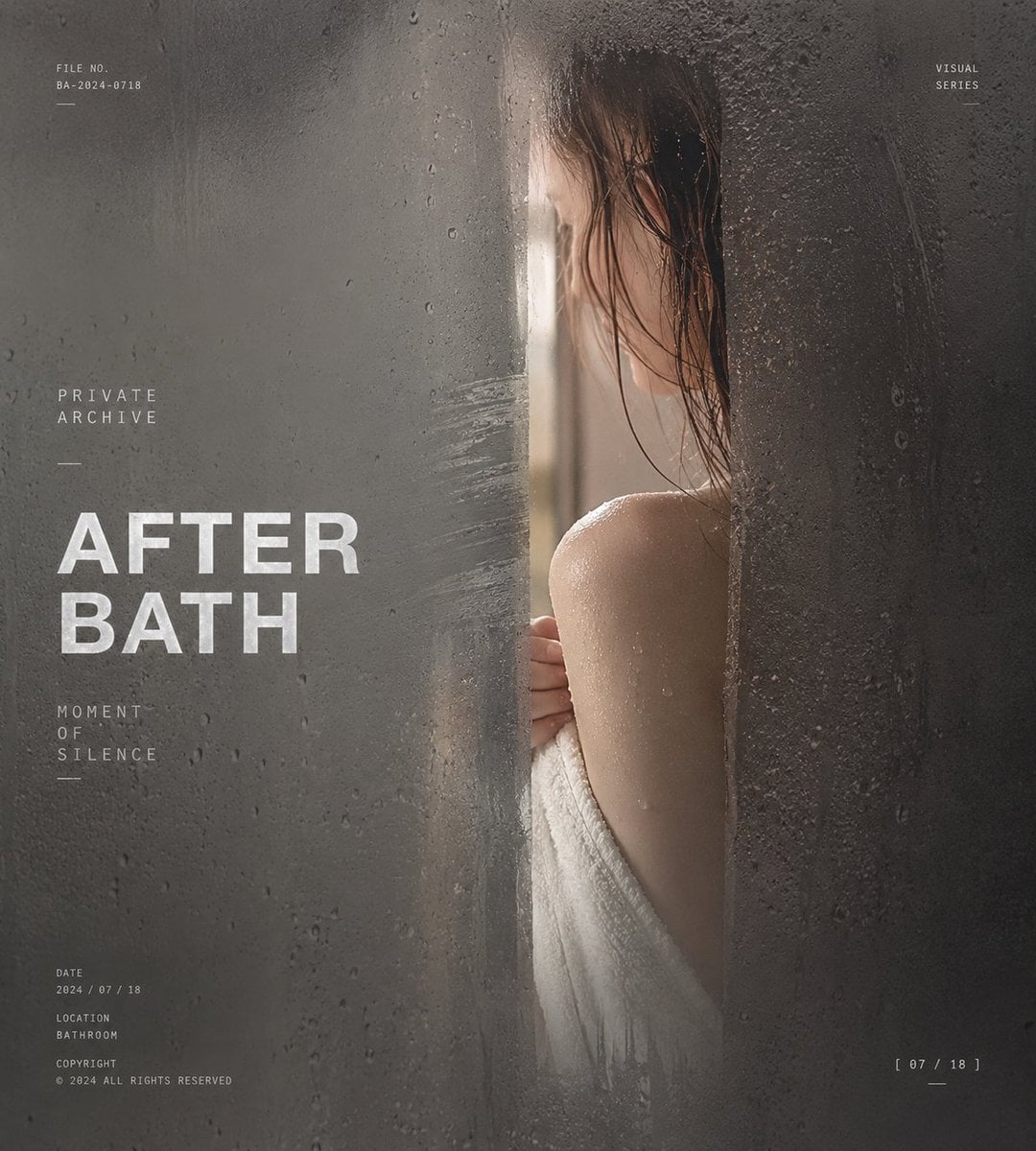
The Models Behind the Prompt Box
The result depends on the engine composing the page. You pick the engine; its cost sits by the generate button.
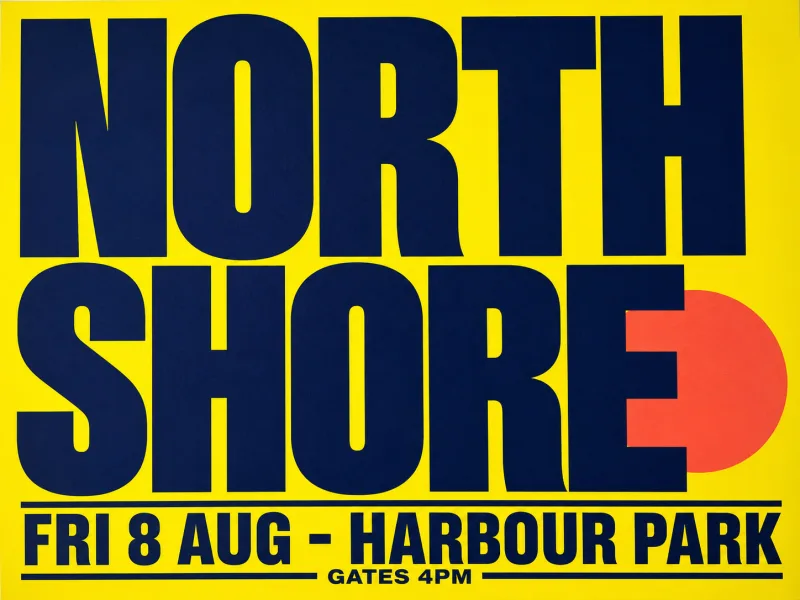
Ideogram 4
First choice when the poster lives or dies on its lettering.
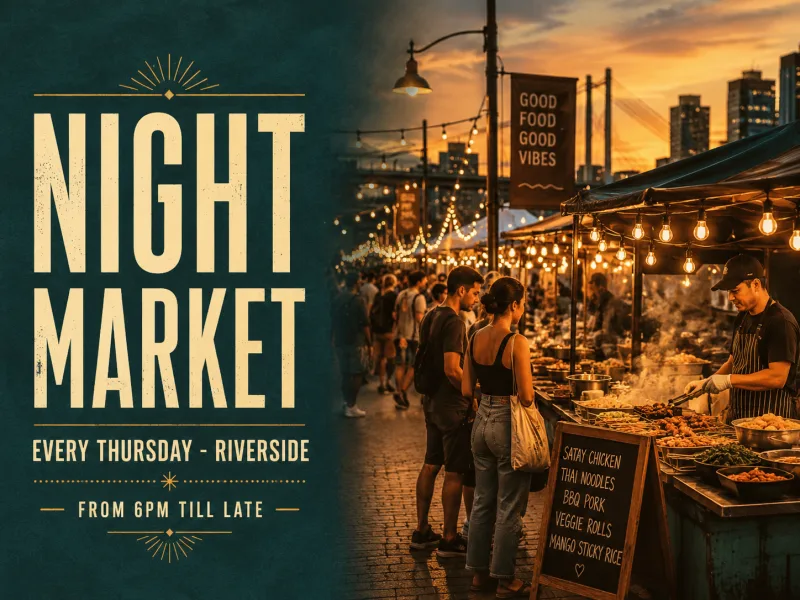
GPT Image 2
A steady all-rounder for a written line plus a described scene.
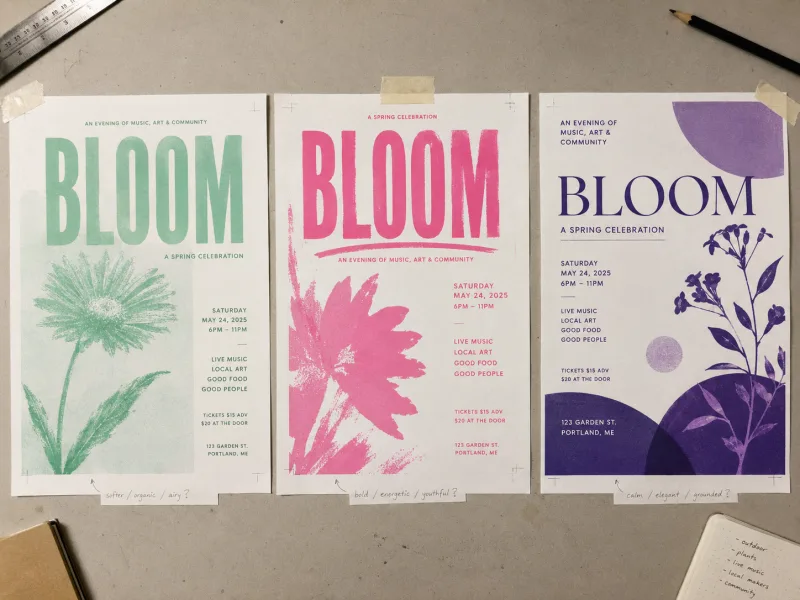
Nano Banana
Quick passes while you are still deciding what the poster should say.
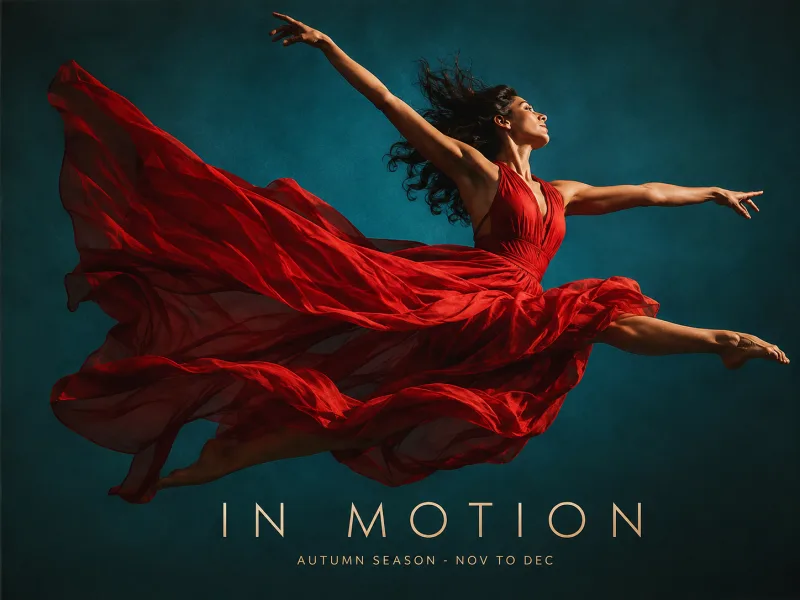
Seedream 5
For sheets where the picture carries more weight than the copy.
What Is a Text to Poster AI?
A text to poster AI turns a written brief into a finished poster image. PosterMont reads your description — subject, exact wording, style and shape — and renders the whole layout in one pass, so a run gives you a composed poster, not a background you still have to typeset.
What This Text to Poster AI Does
Four things decide whether a run gives you something you can send.
Write the Words You Need on the Poster, in the Prompt
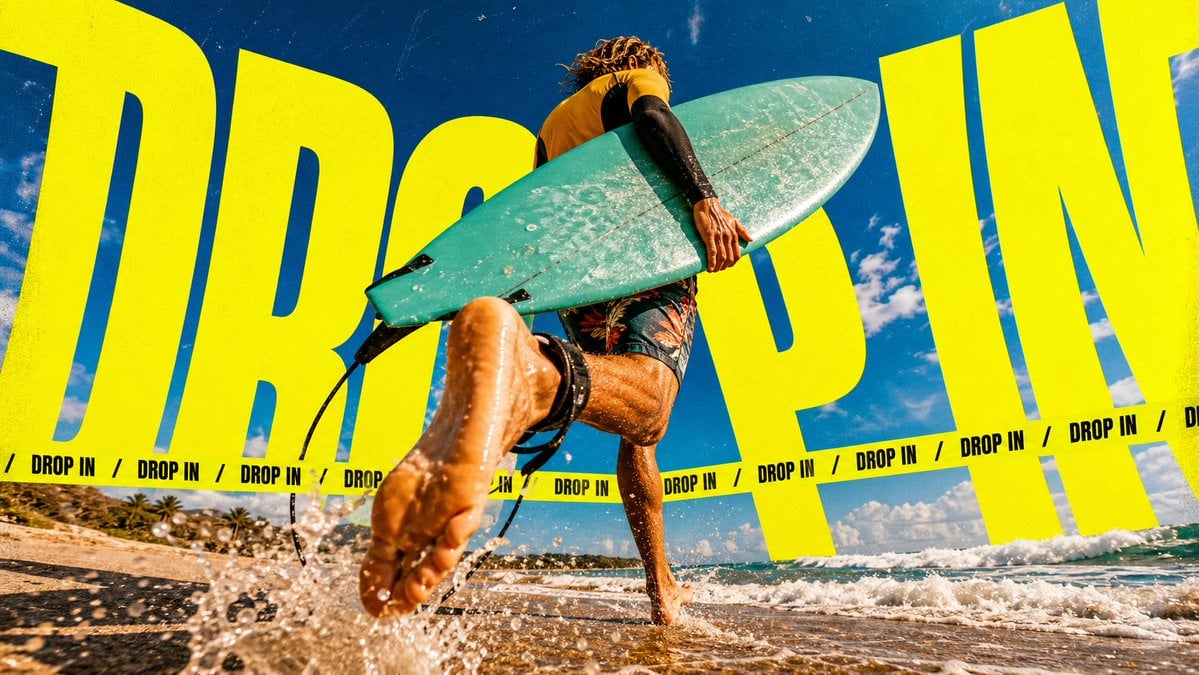
Poster jobs fail on the text, not the picture. Quote each line — headline, date, price — and the generator attempts that exact string instead of inventing copy.
Seven Models Behind One Text to Poster AI Box
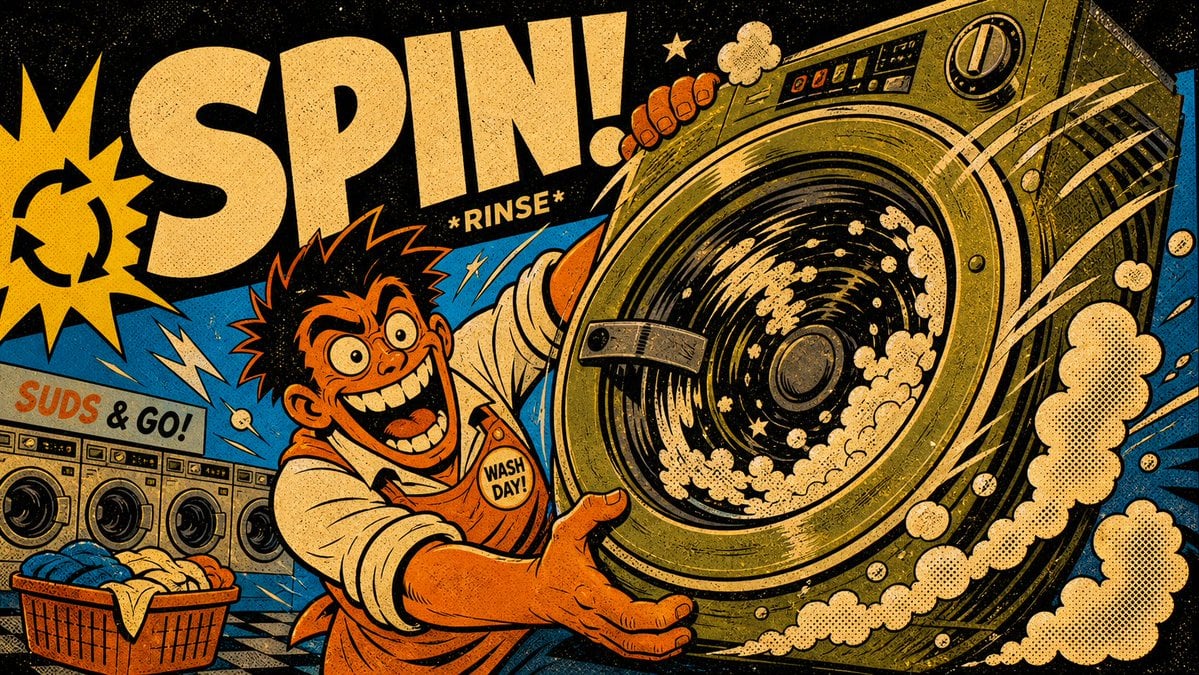
Seven image models, each with its per-image credit cost shown. They differ in typography, realism, illustration and speed, and you switch between them on the same prompt.
Ten Aspect Ratios, up to 4K, Chosen Before You Generate
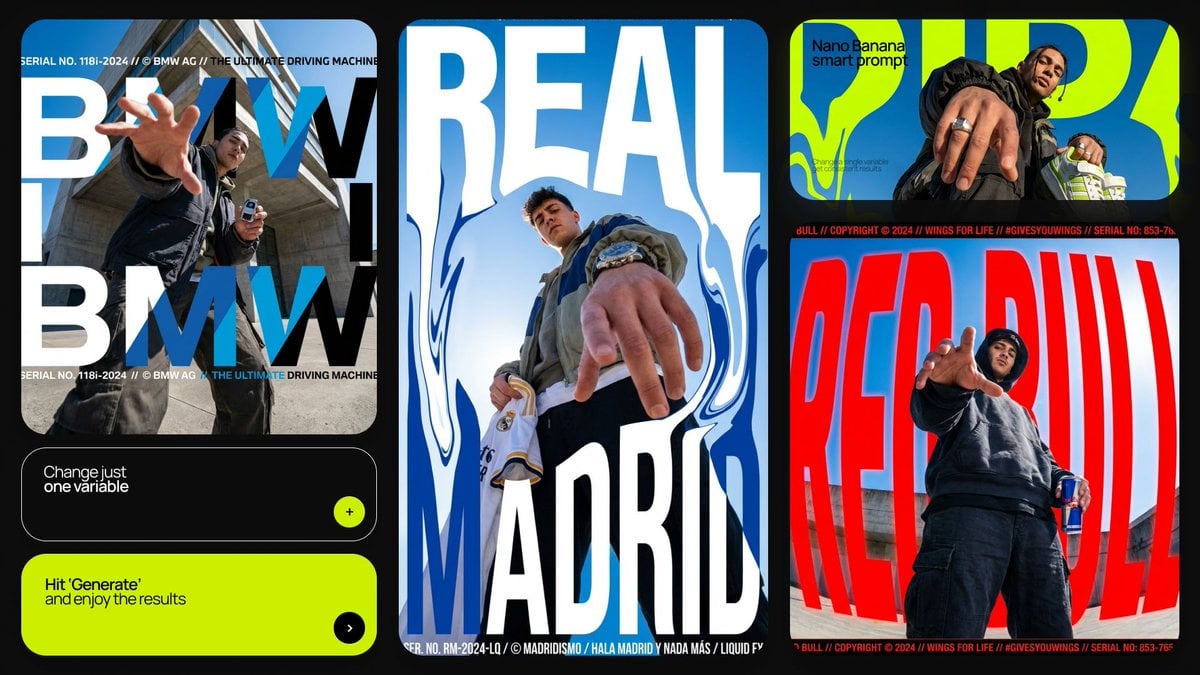
Pick the proportion first — square for social, tall for a wall, wide for a banner. The composition is then built for that frame, not cropped into it.
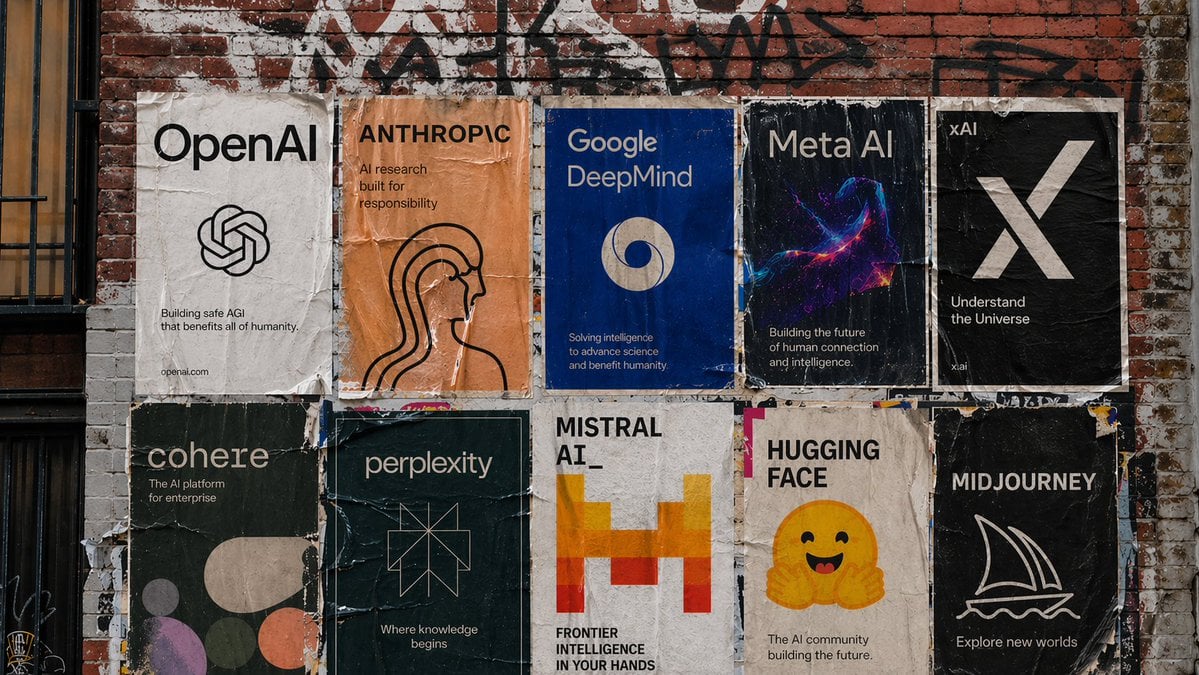
A Text to Poster Maker Online, Free Without Login
The guest mode runs before you create an account and adds a watermark. It gives you a limited way to try an AI poster generator from text without logging in first.
Poster Styles: Twelve Scenes of Worked Templates
Style is the hardest slot to write, so the catalogue ships worked examples.
Twelve Scenes, Not One Generic Look
Movie, event, advertising, product, business, school, academic, festival, comic, sports, medical and social — each with prompts written for that poster type.
Every Template Stored with Its Prompt
Every template keeps the prompt that produced it. Take the structure, swap in your wording, run it.
Two Words of Style Beat a Style Essay
Risograph, swiss grid, brutalist, hand-lettered — a short named style usually steers the generator better than three sentences of adjectives.
How to Make a Poster From a Written Brief
Three steps. A useful run does not need a long prompt.
- 01
Describe the Poster
Name the subject, then quote the exact lines that must appear — headline, date, place, price.
- 02
Set Model and Shape
Pick a model and an aspect ratio on the toolbar. The pill shows the selection and the credit cost.
- 03
Generate and Download
A run takes half a minute to a few minutes. Download it, or change one line and re-run.
Writing the Prompt: Five Slots
Covering these five slots is enough for a useful poster prompt.
Subject
"Concert poster for an indie band" — this sets the layout convention.
Exact Copy
Quote every line that has to be readable. What you leave out, the model may invent.
Style
Minimal, vintage print, type-led, photographic. One or two words is enough.
Audience
A school corridor and a nightclub wall want different contrast and type size.
Shape
Portrait poster, square social post, wide banner — then set the matching ratio.
Then Iterate
Change one slot at a time; rewriting everything hides what helped.
Who Uses a Text to Poster AI
49 presets across 11 scenarios, so a run starts from a convention, not a blank canvas.
AI Event Poster Generator
Organisers · venues · societies
Gigs, club nights, markets. Quote the date, time and venue, then check the output.
AI Movie Poster Generator
Filmmakers · students · fans
Title treatment, tagline and credit line in a one-sheet proportion.
AI Poster Generator for Business
Small shops · e-commerce
Discounts, opening hours, new arrivals. Prices and dates need quoting.
Poster Maker for School
Teachers · students
Science fairs, club sign-ups, election posters. Legible text matters more than flourish.
AI Research Poster Generator
Researchers · postgrads
For a poster session: state the sections you need, keep the wording literal.
Hiring and Notice Posters
Founders · HR · community
Job notices, service announcements, community boards. Contact details belong in quotes.
Poster Sizes and Export Options
The generator works in ratios and pixels; a printer works in millimetres.
| Shape | What it suits |
|---|---|
| 4:5 | Feed posts, notice boards, and anything read up close. |
| 3:4 · 2:3 | Classic portrait proportions, closest to most printed posters. |
| 9:16 | Phone screens, stories, vertical displays. |
| 1:1 | Square social posts and profile art. |
| 16:9 · 21:9 | Screens, banners, slide backgrounds. |
| 4:3 · 3:2 · 5:4 | Gentler variants when the full shapes are too extreme. |
Ten ratios, picked before the run rather than cropped afterwards. Resolution reaches 4K, and you download JPEG, PNG or WEBP. For paper, print export turns any result into a PDF, PNG or JPG at A5–A0, US Letter and common inch sizes, with a true DPI readout before you commit.
Common Questions
What is a text to poster AI, and how does it work?
Is this text to poster AI free?
Can I use it free without logging in?
What does a generation cost?
Can AI make a poster with text that is actually correct?
Which model should I pick?
How Is This Different From a General Chatbot?
What should I put in an AI poster prompt?
What is the usual size of a poster, and what can I export?
Is there a text to poster converter that keeps my layout?
Can I edit the poster after it is generated?
How long does a run take?
When is this the wrong tool?
I already have a poster and just want to add a few lines of text. Can I?
Can it generate a poster with no text at all?
Write the Brief, Get the Poster
Put your headline and date in quotes, name a style in two words, pick a shape, and run it.