Motion Poster Maker
Upload a finished poster, describe how it should move, then choose an image-to-video model, clip length, resolution, and aspect ratio.
Animated Posters Made From Uploaded Designs
These examples show the target result: an exhibition invitation, a typographic workshop bill, an abstract gradient study, and a hand-drawn concert poster animated from an existing still design.
The Video Engines Behind the Animation
Same poster, different engine — switching model changes how the frame moves.
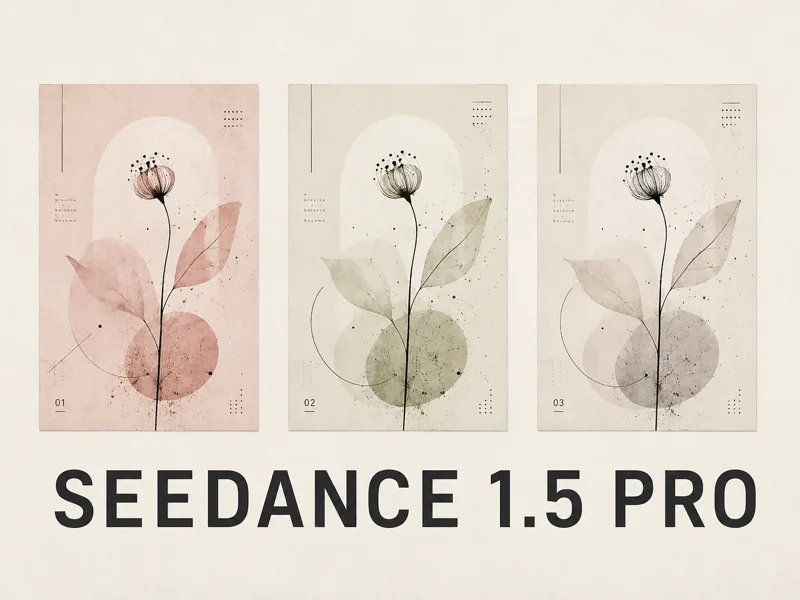
Seedance 1.5 Pro
Cheapest way to test whether a poster is worth animating.
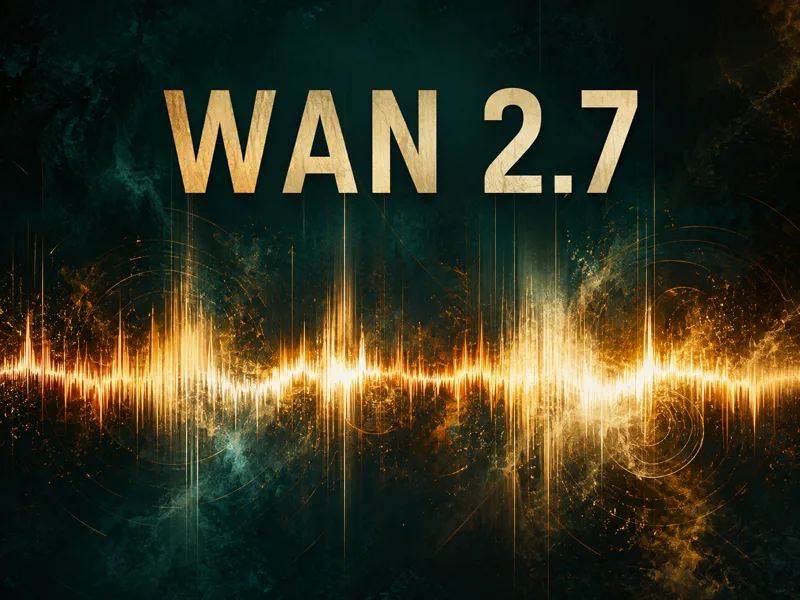
Wan 2.7
Widest range of clip lengths, two seconds to fifteen, at 1080p.
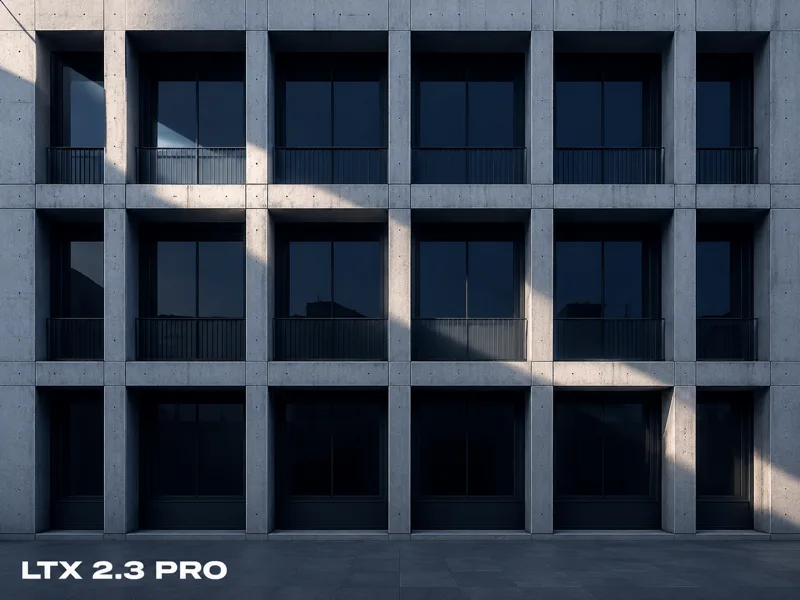
LTX 2.3 Pro
Steadier motion when the poster has to hold together.
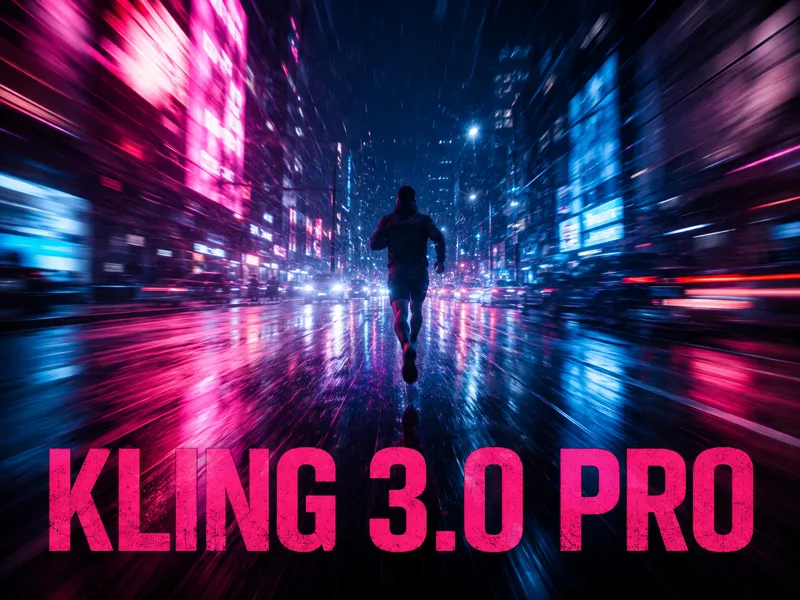
Kling 3.0 Pro
The heaviest engine, for when movement carries the clip.
What Is a Motion Poster Maker?
A motion poster is a still poster extended with controlled movement: one element drifts, flickers, or breathes while the layout largely holds. This motion poster maker animates an uploaded design with image-to-video models. Motion poster generator, animated poster maker, moving poster tool, and motion graphic poster builder all describe the same output category.
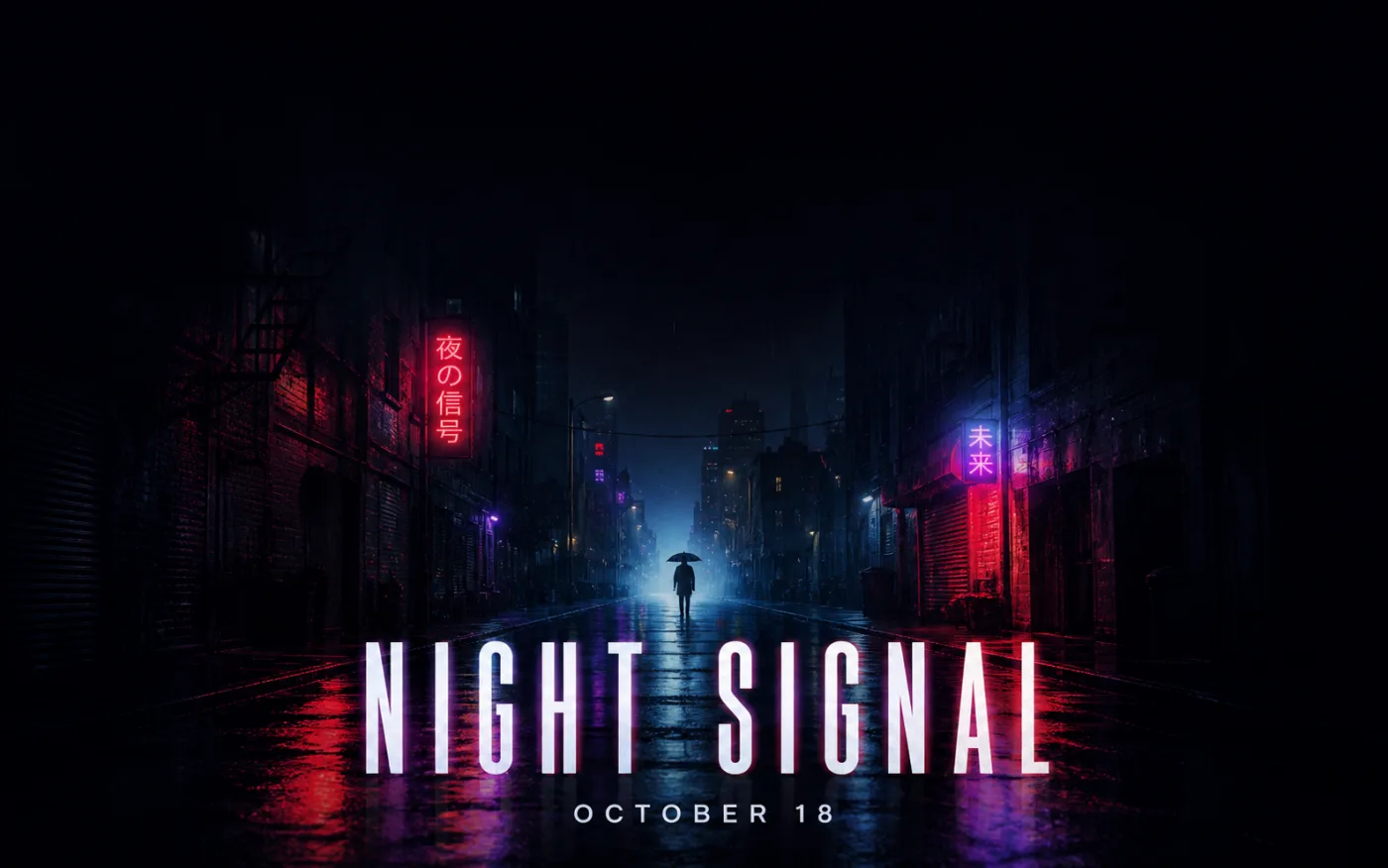
What This Motion Poster Maker Does
Eleven video models sit behind one upload box; the panel on the left is the whole interface.
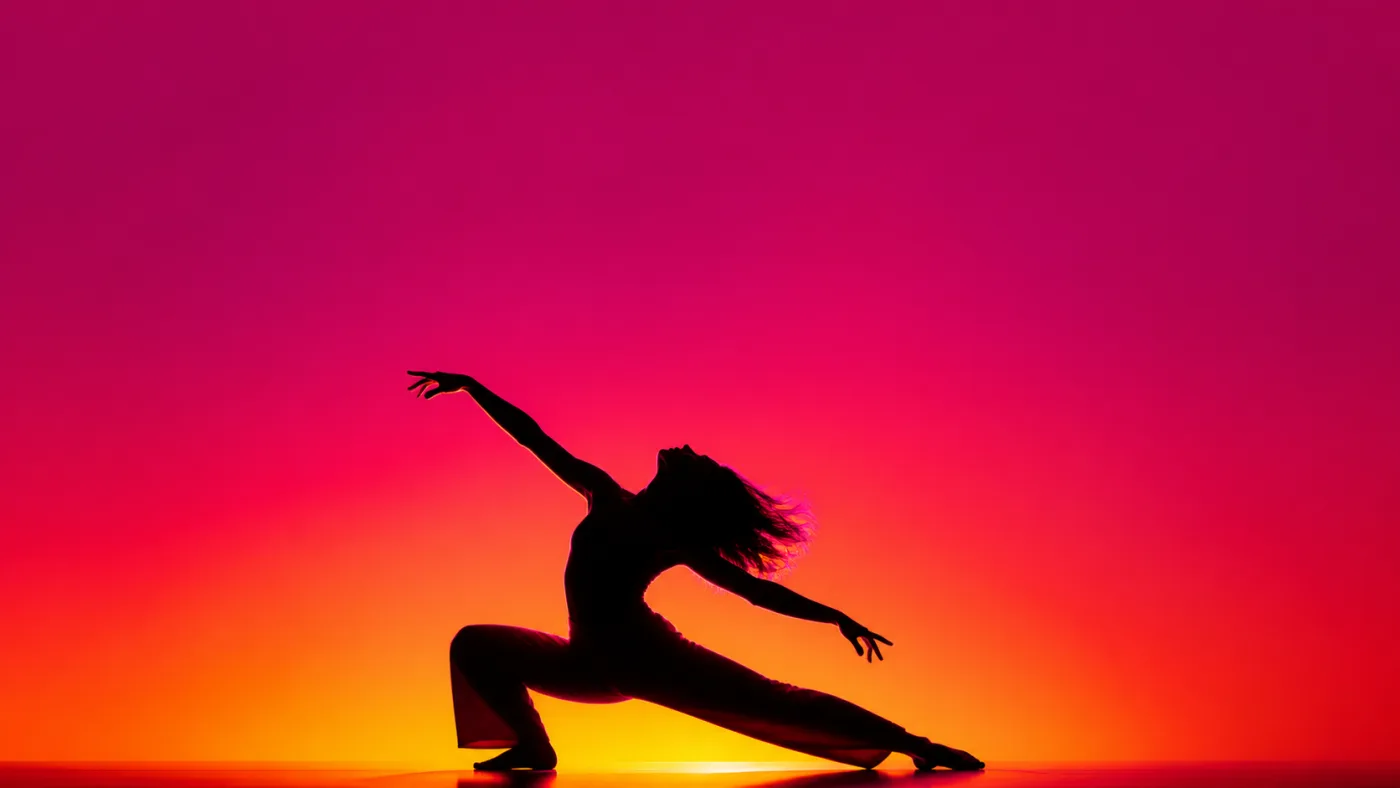
Pick the Model That Suits the Poster
Seedance, Wan, LTX, Kling, HappyHorse and Grok Imagine all feed the same workflow. Swap between them without rewriting a word: Seedance 1.5 Pro is the cheap first look, Wan 2.7 comes back with sound, LTX 2.3 Pro holds a frame steady, Kling 3.0 Pro carries the heaviest movement.
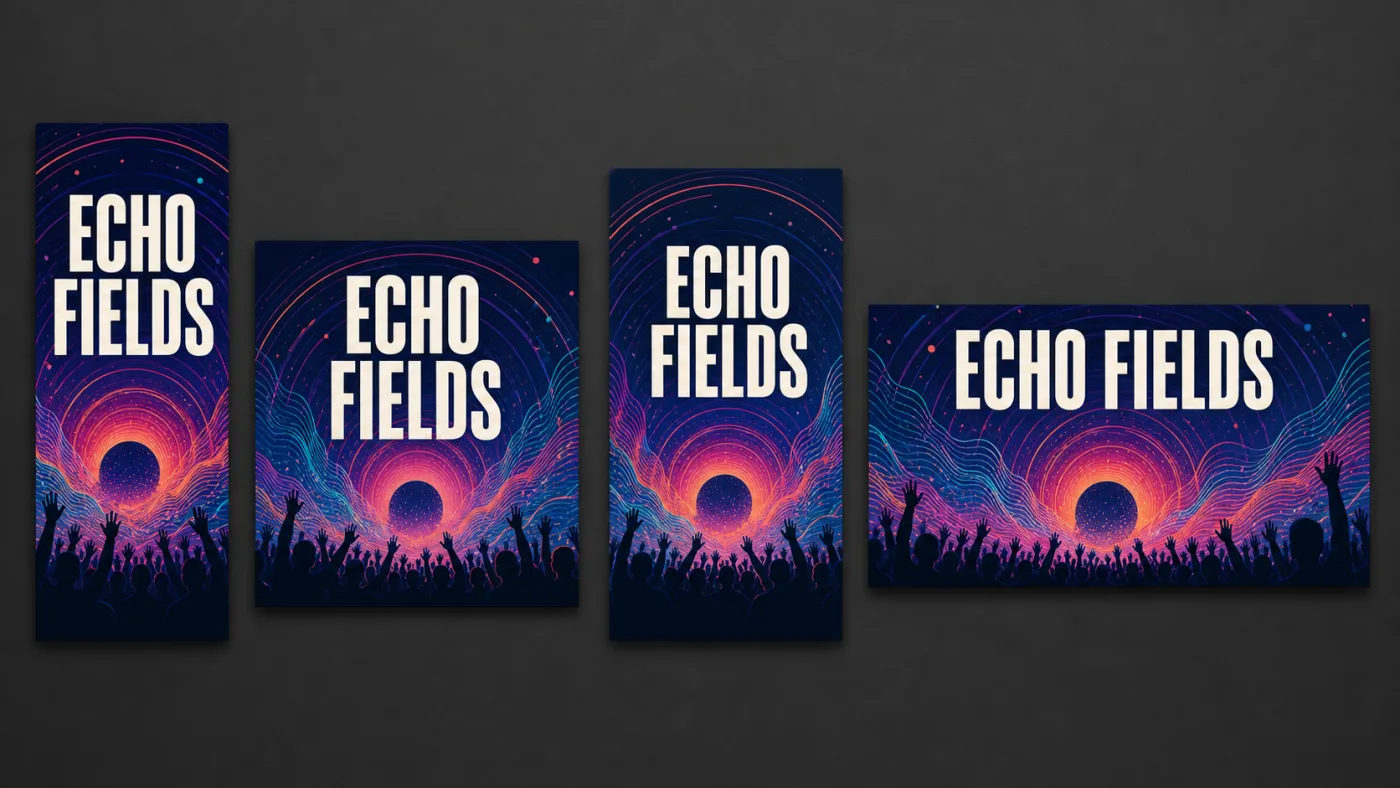
Shapes From 21:9 Banner to 9:16 Story
Choose 9:16 for a story, 1:1 for a feed post, 16:9 for a header, and 21:9 on the models that carry it. Set the ratio before the run and the tool animates for that shape instead of cropping a wide clip to fit.
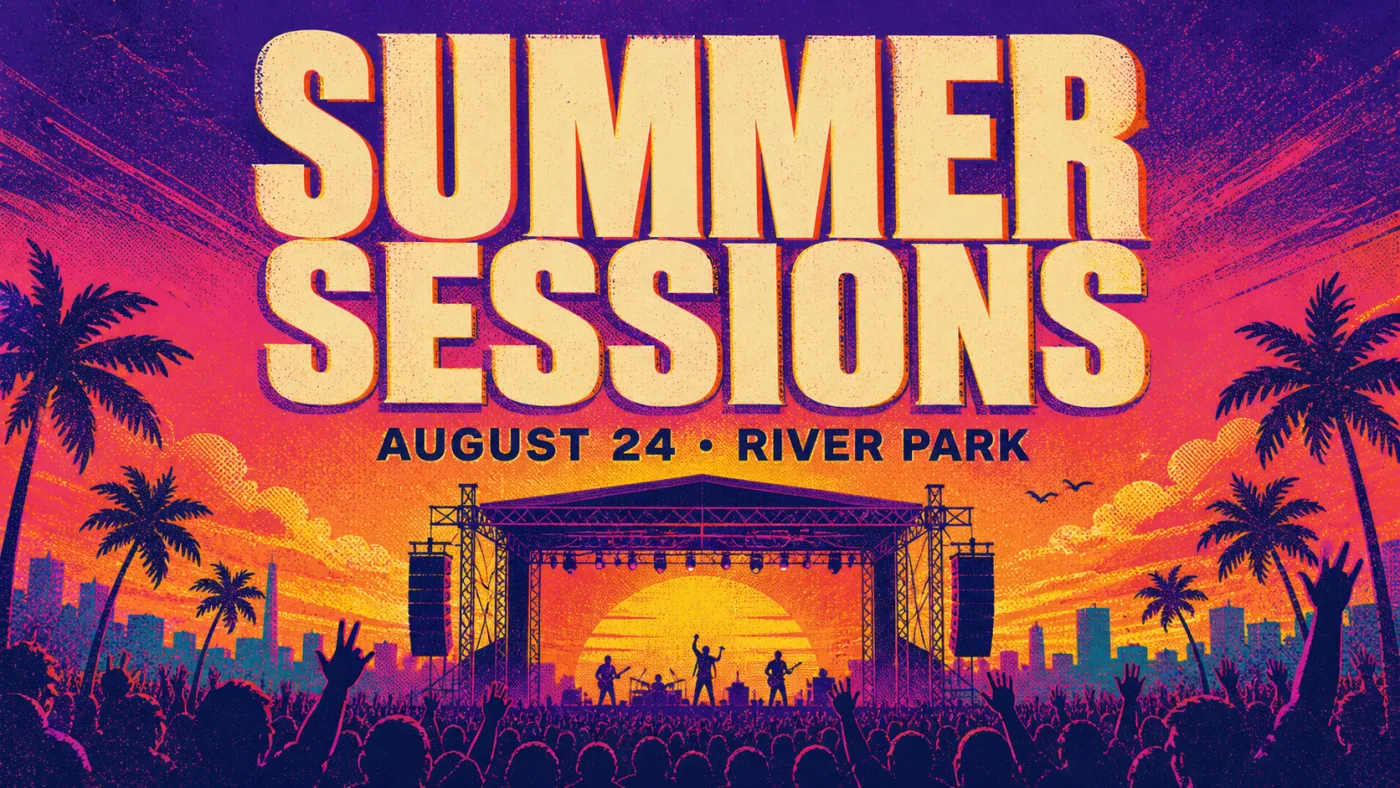
Your Headline Stays Where You Set It
The wording is already baked into the poster you upload, so the model starts from your approved layout instead of typesetting it again. Motion can still warp small or high-contrast letters, so keep movement away from critical copy and review the finished clip frame by frame.

Keep the Result and Keep Working
Every completed run lands in the preview panel and your assets library. Download the MP4, or return to the source poster in the canvas to correct wording or colour before animating it again. The background remover can prepare a clean subject layer before the next run.
Every Clip Lands in Your Library
Video runs need an account and spend credits, so nothing here is throwaway: every returned clip is saved to your assets library rather than disappearing with the tab.
How to Write a Motion Poster Prompt
Prompts that work read like a shot list. Four things carry the result.
Name One Movement
Ask for one controlled action: a slow camera push, drifting smoke, a light sweep, or one fabric movement. Too many simultaneous actions make the source layout harder to preserve.
Protect Critical Type
Put final wording into the source poster before upload. In the motion prompt, explicitly ask to preserve the headline, date, logo, and layout while movement happens around them.
Describe the Light
Rim light, neon spill, hard noon sun, one practical lamp. Light is what a moving poster animates — a flicker, a sweep, a slow bloom — so name a light source you can picture moving.
Describe the Camera and Loop
State whether the camera is locked, pushing in, or panning, and whether the last frame should return close to the first. A simple motion plan produces a cleaner social loop.
Who Uses Moving Posters
Anywhere a static poster used to go, a moving poster now competes.
Film and Series Teasers
Animate an approved teaser one-sheet with a slow push, light flicker, or atmosphere while keeping the title treatment readable.
Gig and Festival Bills
Animate a final lineup design for reels and venue screens. For each city, correct the venue line in the source poster before running the next clip.
Product Launches
Upload an approved product poster and add a light sweep, camera move, or controlled product motion for launch ads and social placements.
Events and Openings
Animate the approved event poster after its headline, date, and venue have been checked, then reuse the motion treatment across a season.
Campus and Community
Turn a finished society, fundraiser, or school-production poster into a short announcement clip for screens and social channels.
Social Content Studios
Animate a batch of approved vertical posters with consistent movement, model, duration, and ratio settings for a social campaign.
Make a Motion Poster in Three Steps
- 01
Upload the Final Poster
Use a source image whose headline, date, logo, crop, and layout are already approved. The video model animates this image; it is not the place to typeset a new poster.
- 02
Set Model and Shape
Choose one of the video models, the clip length and the aspect ratio the poster ships at. All of them sit directly above the generate button in the panel.
- 03
Generate, Then Refine
Generate the clip, review movement and text stability, then change one variable at a time — motion, camera, duration, or model — before running it again.
Specifications
What the tool does today, stated plainly.
| Specification | Details |
|---|---|
| Input | A poster image you upload, plus a prompt describing the motion |
| Output | A short video clip, downloadable from the preview panel |
| Models | Seedance 1.5 Pro, Seedance 2.0, Wan 2.7, LTX 2.3 Pro and Fast, Kling 3.0 Pro and Standard, Kling 2.6, HappyHorse 1.1, Grok Imagine |
| Clip length | Roughly 2-15 seconds, depending on the model |
| Resolution | 480p, 720p or 1080p, depending on the model |
| Aspect ratios | 16:9, 9:16, 1:1, 4:3, 3:4, plus 21:9, 3:2 or 2:3 on some models |
| Free usage | No anonymous runs - sign in required; new accounts start with credits that can cover a first clip |
| Signed-in usage | Credit-backed runs plus a saved assets library |
| Editing | Canvas editor plus a separate background remover |
Motion poster capabilities and limits
Common Questions
What Is a Motion Poster?
Is a Motion Poster Generator the Same Thing?
Does the Motion Poster Maker Export a Video File?
Is the Motion Poster Maker Free?
Do I Need Design or Animation Skills?
Which Model Should I Choose?
What Size Should a Motion Poster Be?
Can I Put My Own Wording on the Poster?
Can I Use the Posters Commercially?
How Is This Different From a Template Editor?
What Do I Do After the Clip Is Generated?
Start With One Frame
Upload one finished poster, describe a restrained movement, choose the clip settings, and generate. This route requires sign-in and consumes the displayed number of credits.