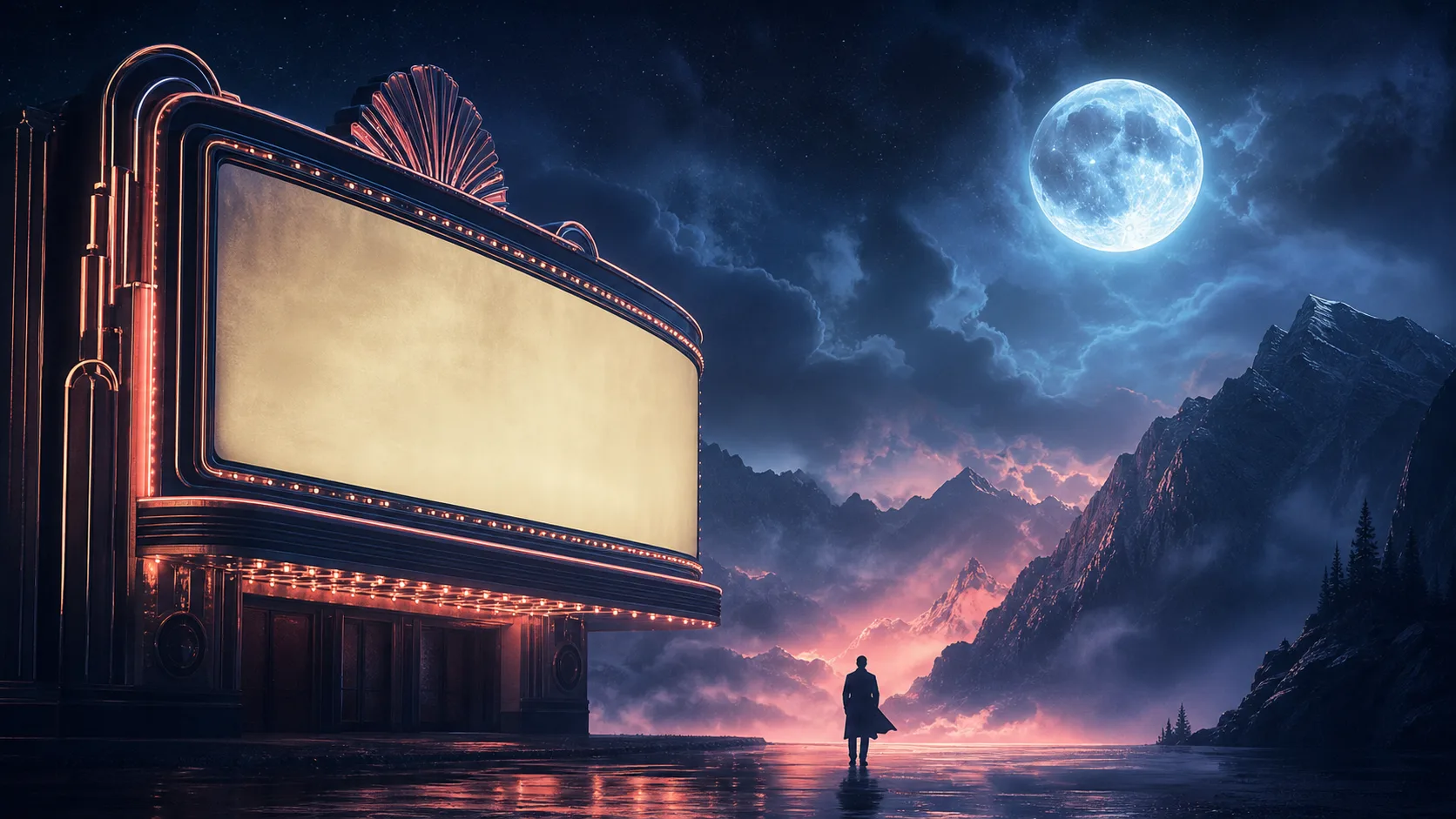
AI Movie Poster Prompts: A Formula and 12 Examples That Leave Room for a Title
Use this AI movie poster prompt formula — genre, character, tension, setting, light, composition, title space, format — with 12 starting directions you can adapt.
You type "epic sci-fi movie poster, cinematic lighting, dramatic" into an AI image tool and get back a gorgeous, cluttered image with fake credits, unreadable type, and no room for a title. It looks nothing like a poster you could actually use. So you add "less text" to the prompt, and the model responds by drawing even more.
The problem is not the model. It is that a movie poster prompt needs to describe a story moment with usable negative space, not a genre label. Genre words like "epic" and "cinematic" give the model freedom it will use to fill every pixel with detail — exactly the opposite of what a poster needs.
This guide gives you a prompt formula — genre, central character or object, story tension, setting, light and palette, composition, title space, and format — plus twelve original starting directions you can adapt. Every example deliberately leaves a clean area for a title, because in a real poster the title and billing block are checked after generation. Start a direction in Text to Poster AI, then use the practical editing and print workflow for the review step.
The Movie Poster Prompt Formula
[genre] + [central character or object] + [story tension] + [setting]
+ [lighting/palette] + [composition] + [title space] + [format]
Each part does a specific job:
| Part | What it controls | Example |
|---|---|---|
| Genre | The expected visual language | psychological thriller |
| Character or object | The thing the eye lands on | a lone archivist holding a flashlight |
| Story tension | Why the image is interesting | a shadow behind the shelves |
| Setting | Where the moment happens | a flooded underground library |
| Light / palette | Mood and readability | deep teal and amber light |
| Composition | Where everything sits | vertical, single focal point |
| Title space | Room for the real title | large clean area at the top |
| Format | Output shape | vertical poster, no logos or credits |
A complete prompt looks like this:
Psychological thriller poster: a lone archivist holding a flashlight in a flooded
underground library, a shadow behind the shelves, deep teal and amber light,
vertical composition, large clean space at the top for a title, no logos or credits.
Notice the last three clauses: they reserve title space, fix the orientation, and explicitly exclude fake credits. Those three are the difference between a wallpaper image and a usable poster concept.
The Rule That Protects You: No Imitation, No Fake Text
Two constraints keep the output legal and usable:
- Do not ask the model to imitate a living artist, studio, or existing franchise. Build an original brief from genre conventions instead. Reference a mood ("noir contrast," "vintage print texture"), not a specific film's title sequence or a named studio's style.
- Do not rely on the model for real text. The title, cast names, release information, and legal copy are added in an editor so you can verify spelling, trademarks, and rights. Generated text in a poster is a placeholder at best and a legal problem at worst.
12 Starting Directions
These are original concepts you can adapt by changing the subject, palette, or genre:
- Horror: an empty carnival gate at dawn, one red balloon, distressed black and cream.
- Romance: two cyclists passing on a rainy city bridge, soft cobalt and peach.
- Sci-fi: a botanist in a glass dome on Mars, restrained red and white palette.
- Mystery: a gloved hand holding an unmarked cassette, harsh side light.
- Comedy: a chaotic family portrait in a tiny kitchen, bright primary colors.
- Documentary: a weathered local map and field notebook, editorial photography.
- Fantasy: a courier crossing a moonlit salt plain, blue-gray and gold.
- Sports drama: a runner alone under stadium floodlights, strong negative space.
- Crime: a diner booth reflected in a wet street, noir contrast.
- Coming-of-age: friends on an apartment rooftop at sunset, film grain.
- Historical: a train platform in winter, muted sepia and a red accent.
- Animation concept: a small robot tending rooftop plants, simple shapes and a wide title area.
Use these as starting points, not finished briefs. Swap the character and setting to make the concept your own — the structure stays, the specifics change.
How to Judge a Generated Concept
When you have generated options, evaluate them like a poster, not like a still:
- Is there a clear focal point that reads at thumbnail size?
- Is the title area actually empty, or is it full of texture that will fight the type?
- Does the composition work in the format you need (portrait for most movie posters)?
- Would the concept still work without the fake credits the model may have added?
Rule of thumb: a movie poster concept passes when you can drop a real title on it and it still holds. If the top half is too busy for a title, reject the direction and prompt again.
What This Guide Solves
It replaces vague prompts such as "make an epic movie poster" with decisions that control subject, hierarchy, and usable negative space. The formula turns a wish into a brief, and the constraints turn a pretty image into a concept you can actually title and publish.
Where This Goes Further Than a Style Copy
Style copying ("make it look like this famous poster") produces derivative art with rights problems. This approach builds an original brief from genre conventions, leaves space for the real title, and moves all text to an editor where you can verify it. The result is a poster you can actually use — not an imitation of someone else's work.
Explore concepts in the AI Poster Generator, then edit the chosen design for accurate text and permitted assets.
FAQ
Can AI make a movie poster with a title on it? AI can render short text in images, but it is not reliable for exact titles, spelling, or billing blocks. Generate the concept with clean title space, verify the title and credits separately, then correct the rendered wording after generation. If you need independent live type, finish that copy in a separate design editor.
Is it legal to ask an AI to copy a movie poster style? It depends on what you are imitating. Imitating a living artist, studio, or existing franchise risks trademark, publicity, and copyright problems. Build an original brief from genre conventions instead, and review the platform's rules before commercial distribution.
What makes a movie poster prompt good? A good prompt describes a story moment with a clear focal point, a specific palette, a composition, and reserved title space — plus an explicit instruction to avoid logos and credits. Genre labels alone produce busy, unusable images.
What size should a movie poster concept be? Most movie posters are portrait. For a concept, generate a vertical canvas and leave the top clean for a title. If you are producing for a distributor or cinema, use their exact specification for the final file.
Why does AI keep adding fake credits to my poster? Models default to filling detail, and movie posters are associated with credits in the training data. Add "no logos, no credits, clean title space at the top" to the prompt, and treat any generated text as a placeholder.
Sources
The examples in this article are original writing prompts. Review rights, publicity, trademark, and platform rules before commercial distribution.
- OpenAI Academy: Creating images with ChatGPT
- OpenAI Help: Prompt engineering best practices
- U.S. Copyright Office: Copyright and AI
- U.S. Copyright Office: Fair use index
- U.S. Patent and Trademark Office: Trademark basics
- Library of Congress: National Film Registry
- Library of Congress: Prints and photographs
- W3C: Images tutorial
- W3C: Understanding contrast minimum
- Creative Commons: License chooser
Author
The product team building and testing PosterMont. Product guidance is checked against the current app, and design references cite their sources and state model or export limits.
Categories
More Posts
How to Adapt a Poster for Social Media Without Ruining the Design
Turn one poster campaign into useful social-media variants: protect the hierarchy, rebuild for each ratio, and preview every export on the device before posting.
How to Choose Poster Colors: A Simple AI Workflow for Contrast and Mood
Choose a poster palette that supports the message, the audience, and readable text — with a three-step method, a constrained AI prompt, and a contrast review.
How to Create a Research Poster With AI Without Losing Scientific Clarity
Use AI for the visual layout of a research poster while keeping claims, citations, charts, and final copy under human control — a safer 7-step workflow.
Newsletter
Join the community
Subscribe to our newsletter for the latest news and updates